FROM PORTRAIT TO A 15-SECOND PERFORMANCE

How to make an AI rap video from a photo

Start a project, upload one authorized portrait, write or paste the lyrics, generate and preview the audio, select a 15-second excerpt, then request and download the vertical video. The complete generated-audio workflow uses 20 credits and requires no formal account or software installation.

Updated 2026-10 · Matches the current creation flow

1. Prepare the photo and creative direction

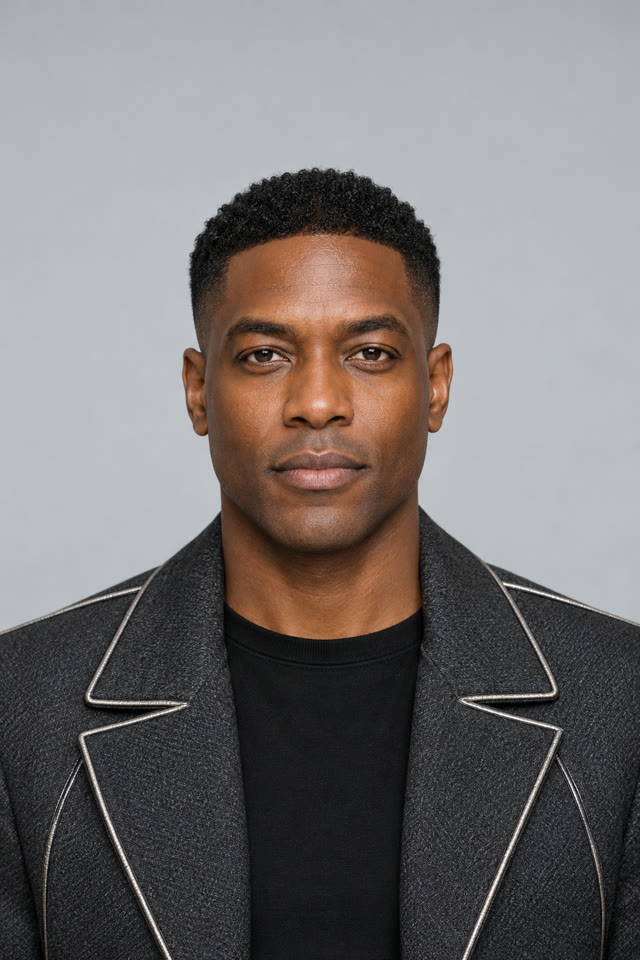
Use a JPG, PNG, or WebP portrait up to 10 MB. Choose one clearly visible adult with a front-facing, unobstructed face. You must have the necessary rights and the person’s permission. Group photos, deceptive impersonation, and unsupported duo concepts are outside this workflow.

Give the project a specific topic instead of a vague genre label. A birthday name, an affectionate inside joke, or a personal milestone provides more useful raw material than “make a rap.” You can edit the resulting lyrics before any audio charge.

2. Create and preview the audio

Choose a lyric template or paste your own. Review names, wording, and the verse you want to feature, then request the 8-credit audio quote. Mureka 9 creates the song from the saved draft; pronunciation and exact musical interpretation are not guaranteed.

If you already have a performance, upload an authorized MP3, WAV, or M4A recording between 15 and 180 seconds instead. The audio is normalized by the server. Listen before moving on so a weak take does not automatically become a paid video.

3. Select the excerpt and generate video

Use the start-time control to choose the strongest 15 seconds and preview that exact server-created clip. The final video uses this excerpt, not the entire song. Once the photo and excerpt are ready, request the separate 12-credit video quote for Seedance 2.0 Mini.

The finished result is a 720 × 1280 vertical MP4. Find it in My videos and download it within three days. Confirmed technical video failures return the video-stage credits; they do not reverse an already successful audio stage.

See the workflow’s real personal-rap output